
⚙️ Traces from the dawn of innovation
Scroll Lock Key Explained by IBM PC and Excel
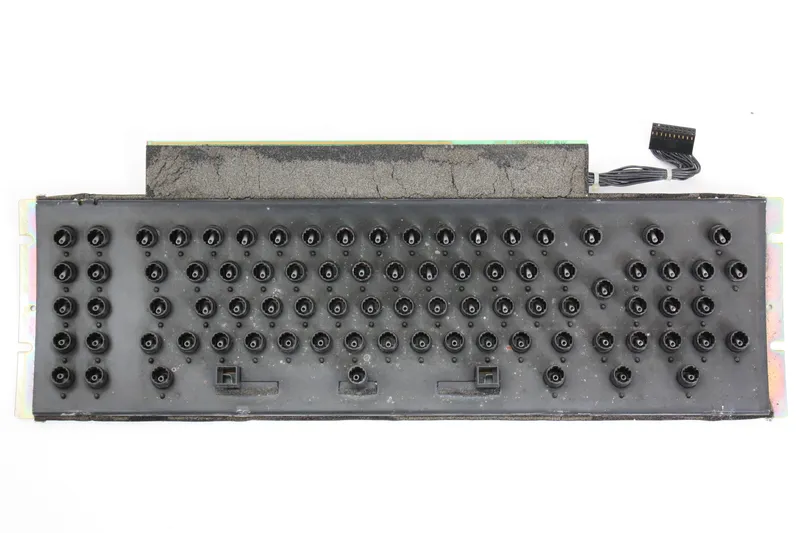
- What: Scroll Lock was originally designed to make arrow keys scroll the contents of a text screen instead of moving the cursor, and Excel still uses it to switch arrow keys from cell movement to sheet scrolling.
- Where: On IBM PC keyboards and in Microsoft Excel on modern Windows PCs.
- When: Beginning with early IBM PC keyboards.
Scroll Lock looks like one of those keys that survived by accident. On most modern PCs, the light is still there, the key is still there, and for many people it does almost nothing. But the key did have a clear job when IBM shipped the original IBM PC keyboard.
Original IBM PC Function
The idea was simple: with Scroll Lock turned on, the arrow keys could scroll the contents of a text screen instead of moving the cursor. In early PC software, that distinction mattered. Some programs treated the screen like a window onto a larger area of text or data. Sometimes you wanted to move the insertion point. Other times you wanted to move the view. Scroll Lock was a hardware-era shortcut for switching between those behaviors.
That original purpose faded as software interfaces changed. Graphical systems, mice, dedicated scroll bars, and different keyboard conventions made the key less central. Many programs stopped caring whether Scroll Lock was on or off. The light remained on keyboards because the standard layout remained, even as the function became increasingly niche.
Scroll Lock in Excel
One major exception kept the old logic alive: Microsoft Excel. In Excel, Scroll Lock still changes what the arrow keys do. With Scroll Lock off, the arrow keys move the active cell. With Scroll Lock on, the worksheet view scrolls while the selected cell stays put. It is almost a direct echo of the original behavior: move the cursor, or move the window.
That is why Scroll Lock can still cause a strangely specific problem. Someone opens a spreadsheet, presses the arrow keys, and the sheet slides around instead of changing cells. Nothing seems broken, but the keyboard is behaving according to a rule from the early PC era. On some keyboards, an indicator light makes it obvious. On others, especially many laptops, there may be no dedicated key or light at all, which makes the behavior harder to identify.
Why Scroll Lock Still Matters
The useful context is this: Scroll Lock is not a random leftover. It is a preserved control from a time when keyboards carried more interface logic directly on their surface. Excel kept supporting that logic, while most software moved on. That is why a largely vestigial key can still have one very concrete effect on a modern Windows PC: it can quietly switch Excel’s arrow keys from cell movement to screen scrolling, just as its IBM PC ancestor was designed to do.
Did You Know?
Some modern keyboards and laptops omit a dedicated Scroll Lock key, so the function may be available only through a key combination or not at all.